
Free Bingo Card Generator
Use this free bingo card generator to make custom word or picture cards online. Start with illustrated pictures, or choose Words / custom text to use your own list. Preview your design, print your cards, download a PDF or share digital card files with your group.
- 1Create
- 2Preview
- 3Download
E-mail: advertise@primescopemedia.io
Live preview
Free Bingo

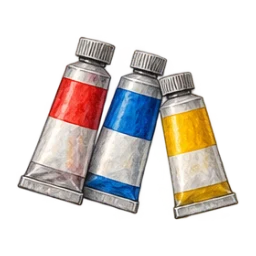
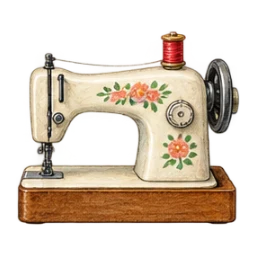
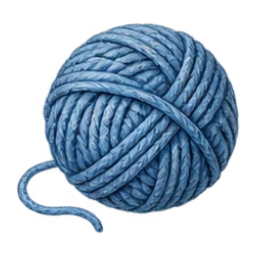
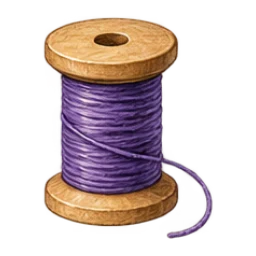



Preview · Generated cards will be shuffled
Find your favorite look
See a printable example
Open a real output before creating your own. These examples use our own generator; your entries stay separate.
Make custom word bingo cards
Choose Words / custom text under Card content. Add one item per line, choose a 3×3, 4×4 or 5×5 grid and set an optional free center on odd-sized grids. Your preview updates as you edit, so this bingo card maker shows the design before you commit to a batch. Generate cards shuffles the entries into player layouts; the download page shows the exact saved cards.
Make illustrated picture bingo cards
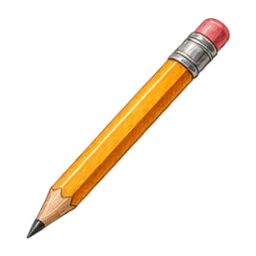
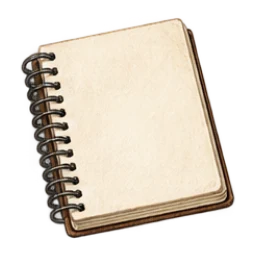
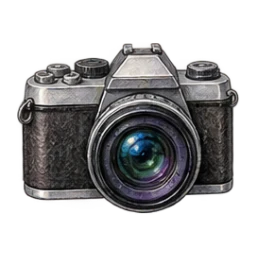
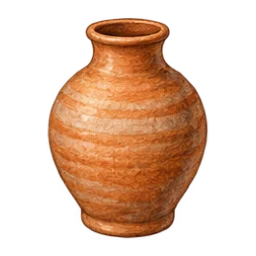
Illustrated pictures fills the squares with original drawings instead of words. Each of the 18 themes has its own set of 24 pictures: school objects for Notebook, garden creatures and flowers for Garden party, Christmas items for Festive, and more. Use a 5×5 board with a free center to include all 24, or choose a smaller grid for a random subset.
Pictures only hides the written labels in the squares. The labels still identify pictures for screen readers and on the caller sheet. Choose Pictures with labels if your group would find words helpful. Changing an automatically matched theme loads its related drawings. Editing a label, removing a picture or adding your own disables automatic matching so your work stays intact.
You can switch back to Words / custom text without losing your word list. Number bingo has separate 75-ball and 90-ball generators. For uploaded photos and drawings, use the picture bingo generator.
Choose a bingo card design that fits your event
Start with one of 18 original themes, from playful confetti and classroom notebooks to botanical frames and seasonal designs. Choose one of eight color palettes, then adjust decorations, borders and corners. Themes have distinct cell shapes, number treatments and generous illustrated frames, including a ruled notebook with clear Inter lettering and a festive ribbon design. Generate more looks suggests six fresh combinations without replacing your words or changing your card quantity. Turn on Keep my palette to explore styles in your chosen colors.
Your selected design carries through to the printable PDF and digital card files. Copy link to this design shares its styling; it does not include your private words or pictures. To share the complete cards, download the PDF or digital card files. On devices that support sharing files, prepare the PDF and choose Share PDF.
Use Style direction to narrow the suggestions to clean, playful, floral, vintage or seasonal looks. The Words / custom text and Illustrated pictures choices control what fills the squares; design themes control the surrounding card. All styles use a readable regular font.
Choose a 3×3, 4×4 or 5×5 bingo board
A 3×3 board needs nine unique words, or eight with a free center; a 4×4 board needs 16. A 5×5 bingo card needs 25 entries, or 24 when the free center is on. Add more entries than the minimum if you want cards to contain different subsets as well as different arrangements.
The bingo card randomizer shuffles your list for each layout. Shuffle preview changes the example on screen; Generate cards creates the batch you can download. Duplicate entries are removed before generation.
Generate 50 or 100 printable bingo cards
Generate up to 100 cards per batch. Download a PDF with one, two or four cards per page, plus an optional caller sheet. Generate more batches without payment. Each card in a batch gets its own random layout, and the generator checks that no two cards in the batch repeat. Enter 50 or 100 in Number of cards to make that many layouts in one batch. There is no total usage quota: repeat batches as needed, with a maximum of 100 per batch. Uniqueness is checked within each batch, so separate batches can overlap.
Prefer numbers? Use the bingo card generator for numbers 1–75 or the 90-ball bingo ticket generator, then run the game with the free bingo caller.
Start with a template
Try baby shower, music, human or classroom bingo. Every preset is editable, so you can keep the useful ideas and replace the rest. Browse all bingo templates, or read how to make bingo cards for a step-by-step walkthrough. Try YouTube Shorts bingo for a video observation game or conference call bingo for meeting events.
Download bingo sheets as a free PDF
After generating your cards, choose Letter or A4 paper and one, two or four cards per page on the download screen. Include the caller sheet to print your full word list. Print one page at actual size first to check that the words fit comfortably.
For an adult game night, replace the sample words with hobbies, party moments or prompts your group will recognize. For a lesson, start with the classroom bingo generator. For screen play, use the virtual bingo card generator.
Compare free bingo card makers
If you need help choosing a format, our free bingo card generator comparison covers printable cards, picture layouts and virtual card links. Choose based on how your group will play and the features you need.
Save a word list and use it again
Save list as .txt downloads exactly the entries in your editor. Import .txt list loads a UTF-8 text file on your device, with one entry per line. The editor checks the file before asking to replace your current list. Nothing is uploaded.
A single column copied from a spreadsheet can be pasted straight into the entry box. Keep commas inside a phrase; line breaks separate entries. A saved list contains your words, not player layouts or pictures. Generate a fresh batch after importing it.
Start with empty printable bingo cards
If players will write or draw their own entries, download blank bingo cards in 3×3, 4×4 or 5×5. For filled, shuffled cards, keep using the editor above. The template library can now be searched by topic and filtered by category.
Yes. Card creation, PDFs and the caller are free, with no account required. Batch limits protect browser performance; there is no paid upgrade.
Yes. The picture bingo generator accepts PNG, JPEG and WebP files up to 5 MB each and includes 18 themed sets of 24 drawings, plus a basic icon set. Every picture needs a label for the caller sheet and screen readers.
Use Virtual bingo to create a card file and open it in the local player. Players mark their own squares. Calls are shared separately by the host.
No hosted room is included. Distribute card files and share calls separately, for example over a video call.
The card maker is a web app that works in your browser on a phone, tablet or computer. You download the cards as PDFs or digital card files; there is no separate native app or Excel workbook to install. Keep the generated files if you need to use the cards later.
Paste a single spreadsheet column into the editor, one item per line. Save list as .txt keeps a local copy. Import that UTF-8 file later, review the grid and title, then generate a new batch. Existing card layouts are not saved in a word-list file.